.svg?fit=max&auto=format&n=mPHHzoA5GT4E38PL&q=85&s=476f5e0f52403962a9938292fd13cf9b)
.svg?fit=max&auto=format&n=mPHHzoA5GT4E38PL&q=85&s=d9661161e773aa91cc1f45d852fc9825)
iOS users
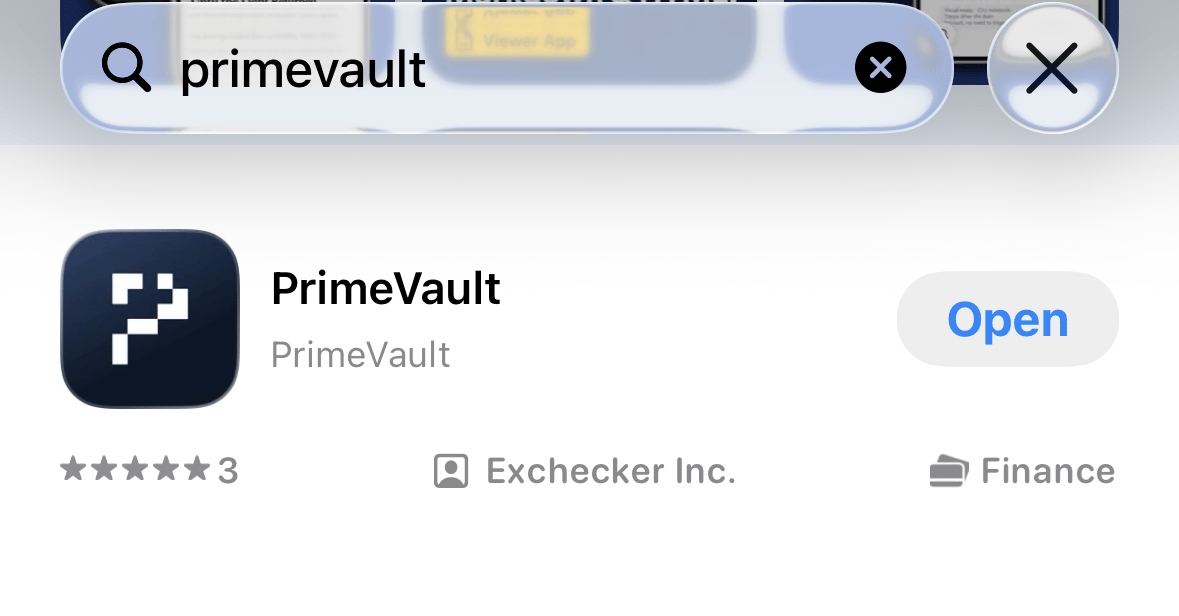
Download the app
- Download the app via the Apple App Store (we are live in 174 out of 175 countries {China excluded} where the Apple App Store is present - https://support.apple.com/en-us/HT204411)
- Search for ‘PrimeVault’ in the App Store
Log in to the mobile app
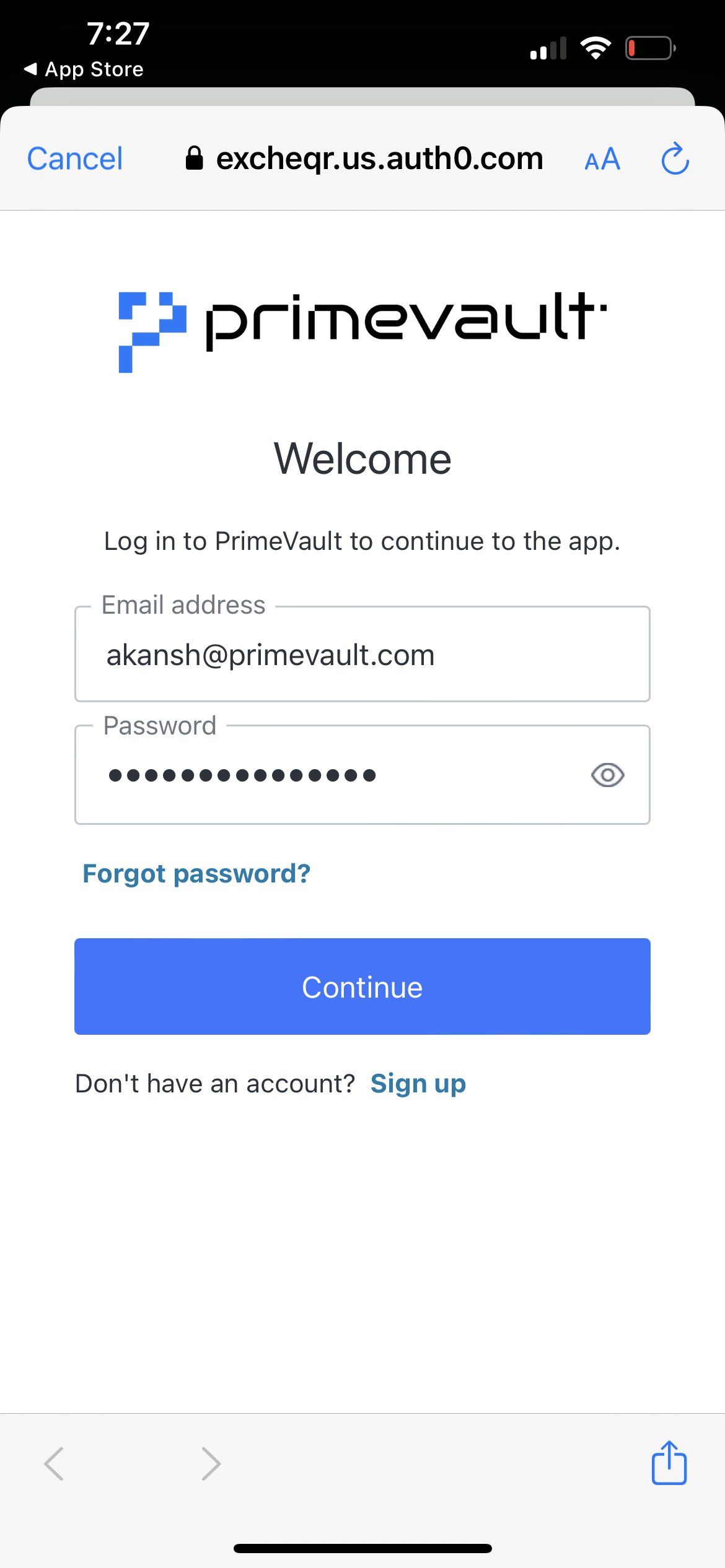
- Enter your company email address and password
- Allow notifications on the app to receive updates (approval notifications, transaction updates, etc.)
- Allow access to Face ID
- Click on ‘remember device for 30 days’ if you want to avoid entering 2FA everytime
- Enter your 2FA using your authenticator app