.svg?fit=max&auto=format&n=mPHHzoA5GT4E38PL&q=85&s=476f5e0f52403962a9938292fd13cf9b)
.svg?fit=max&auto=format&n=mPHHzoA5GT4E38PL&q=85&s=d9661161e773aa91cc1f45d852fc9825)
Automations
Automations help you schedule and execute bulk actions (such as transfers) across accounts and counterparties on PrimeVault. You can use automations to streamline repetitive workflows and scale operations efficiently.What is an Automation?
Automations allow you to:- Set up actions to run immediately, at a specific future time, or as recurring jobs.
- Program transfers, payments, or other supported actions in bulk.
- Integrate CSV data to power dozens or hundreds of automated transactions at once.
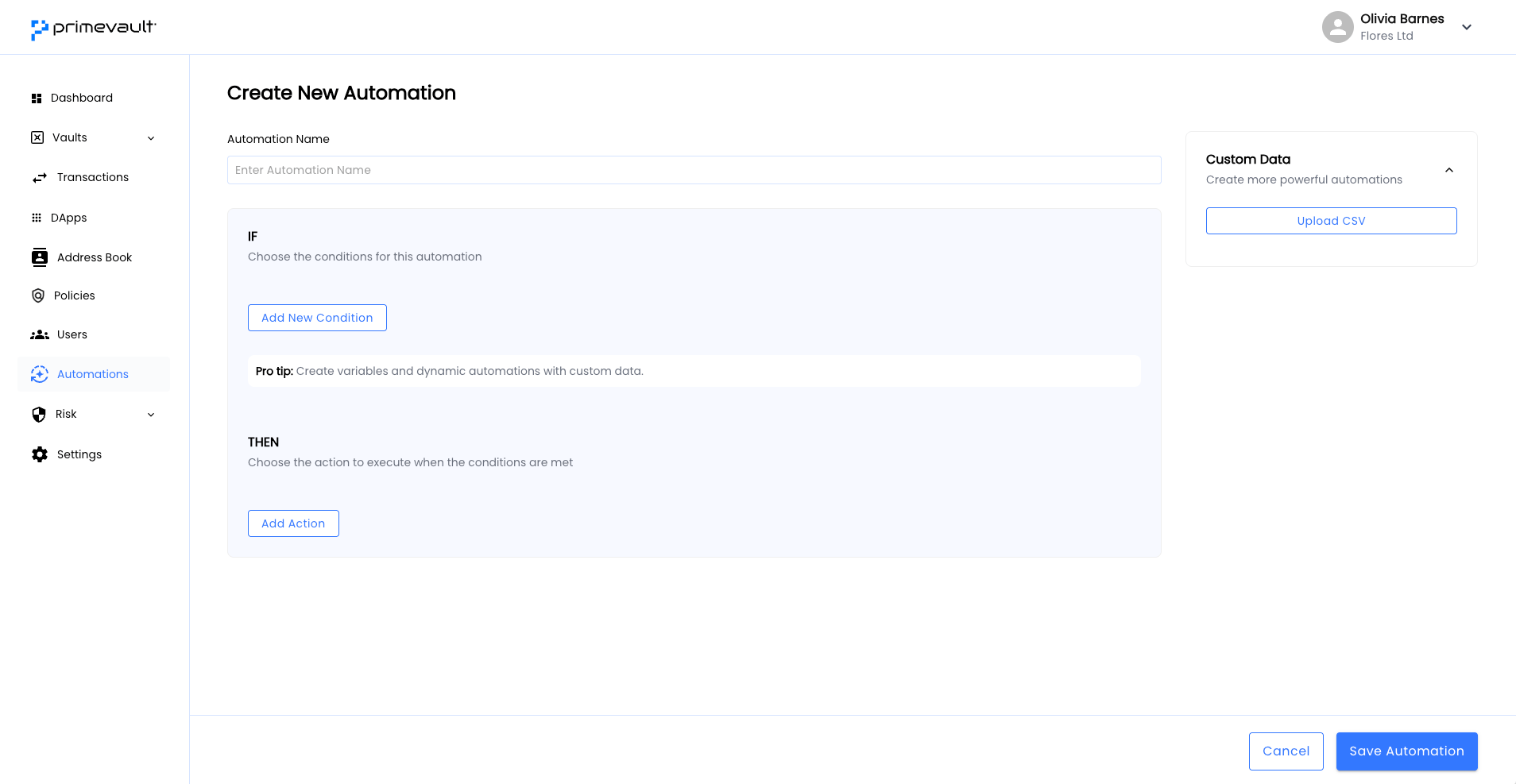
Bulk Actions with CSV
You can automate hundreds of transfers using a single CSV upload.-
Prepare your CSV
Your CSV must include a header row. Common columns are: date, amount, counterparty
- amount: Amount to transfer for the row.
- counterparty: Recipient vault or address.
-
Configure Automation
In the PrimeVault dashboard:
- Navigate to Automations.
- Choose Upload CSV.
- Map each column from your CSV to an action variable (for example, map the amount column to the transfer amount).
-
Run or Schedule
- Choose to run automation.
- Each row of your CSV produces one automated action, using corresponding values.
Example
Suppose you want to send variable amounts of Solana from a billing vault to 248 different counterparties listed in a CSV.- Upload your file to PrimeVault Automations.
- Map columns to action parameters.
- Review and confirm the automation.
- PrimeVault processes each transfer according to your specified schedule.