.svg?fit=max&auto=format&n=mPHHzoA5GT4E38PL&q=85&s=476f5e0f52403962a9938292fd13cf9b)
.svg?fit=max&auto=format&n=mPHHzoA5GT4E38PL&q=85&s=d9661161e773aa91cc1f45d852fc9825)
When to use this
This setup is ideal when you need separation of duties. For example, an internal treasury officer plus an external auditor, or a custodian holding approval rights as a neutral party. No single person can move funds alone.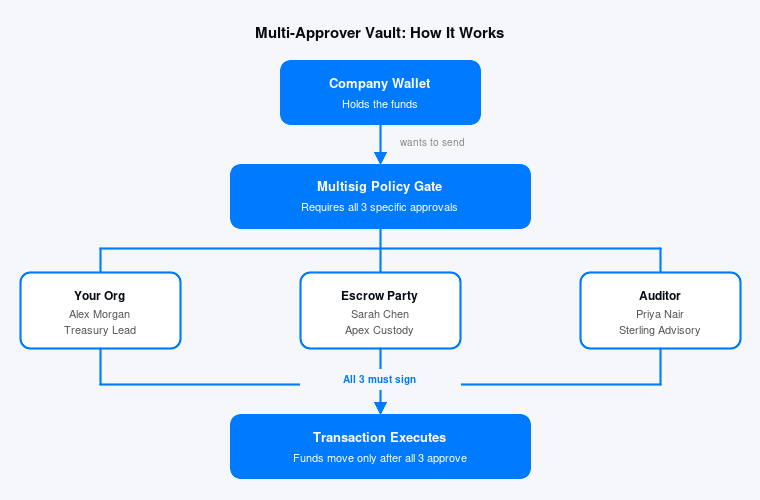
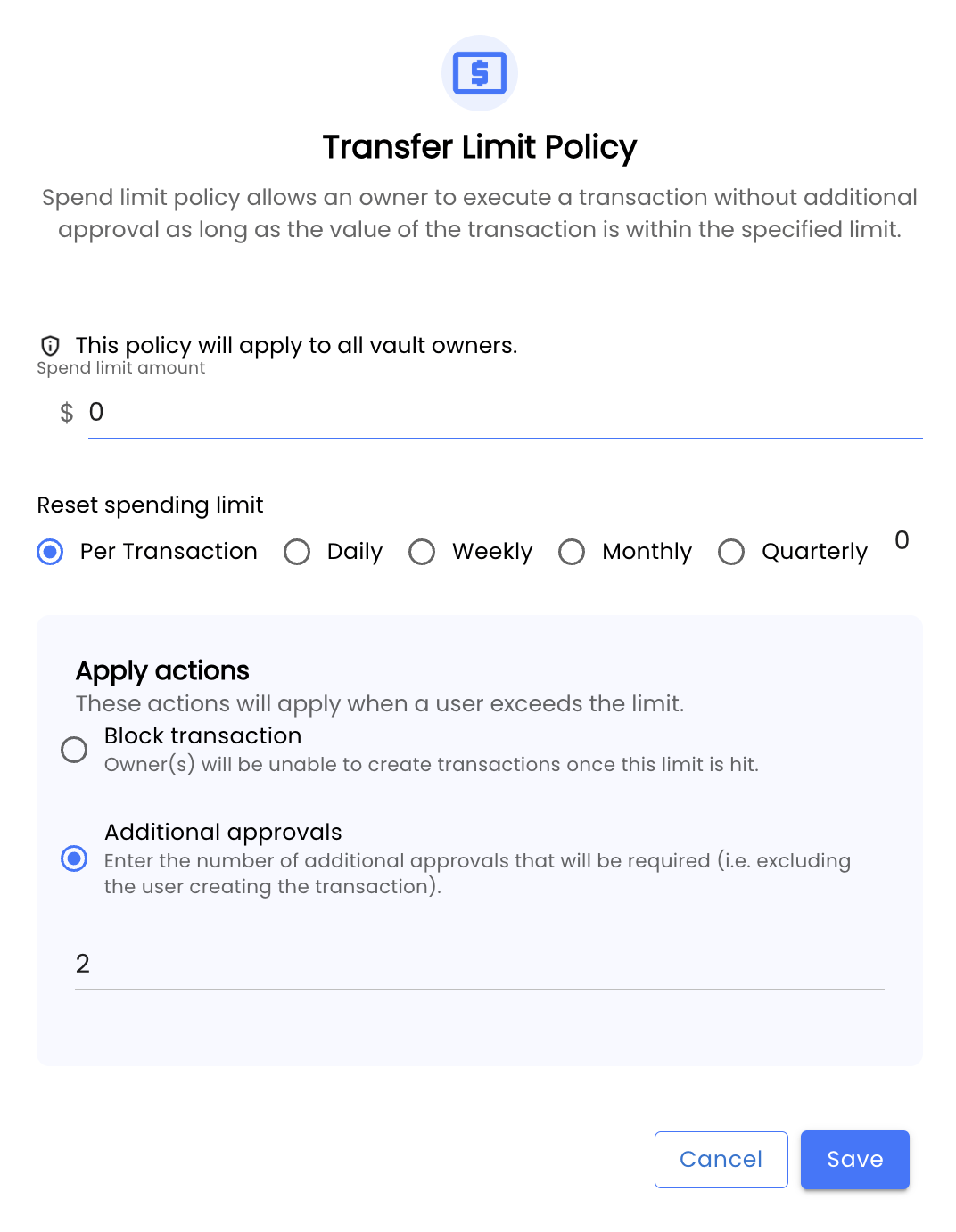
- Spend limit: Set to $0 if you want every transaction to require approval, or a threshold (e.g. $10,000) if smaller transactions can flow freely
- Action: Select Additional Approvals
- Number of approvals: Set this to match how many of your signers must approve. For a 2-party setup (e.g. escrow + auditor), set this to 2
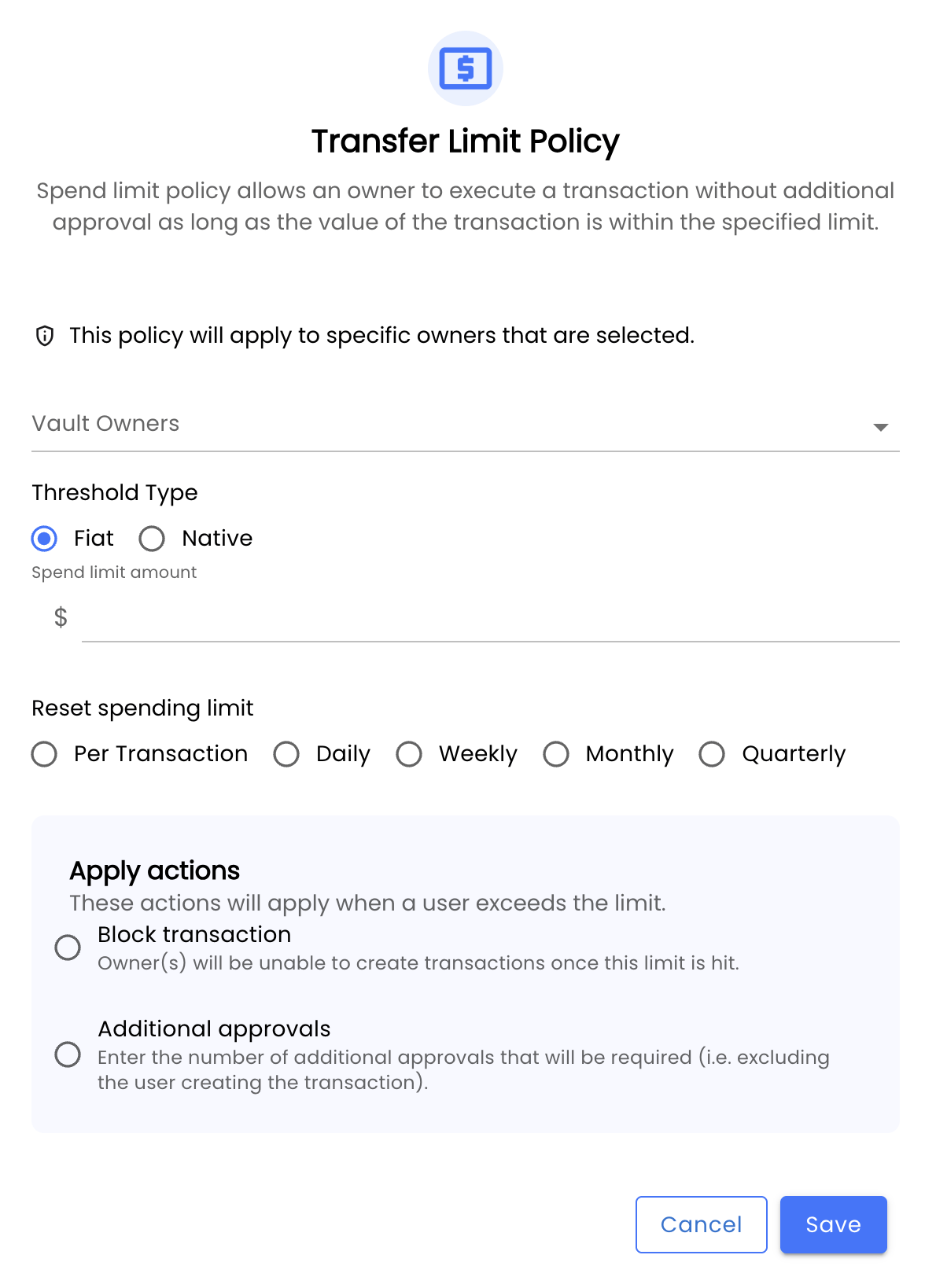
Conditional Approval Rules via Custom Transfer Policy
For more granular control, you can create a custom transfer policy that applies different approval requirements based on who initiates the transaction rather than applying a single rule to all vault activity. To set this up, click Add Custom Transfer Policy on the vault’s policy settings page. From there, you can designate specific vault owners as the transaction creators the rule applies to. When any of those owners initiates a transfer, the policy triggers the configured action.