.svg?fit=max&auto=format&n=mPHHzoA5GT4E38PL&q=85&s=476f5e0f52403962a9938292fd13cf9b)
.svg?fit=max&auto=format&n=mPHHzoA5GT4E38PL&q=85&s=d9661161e773aa91cc1f45d852fc9825)
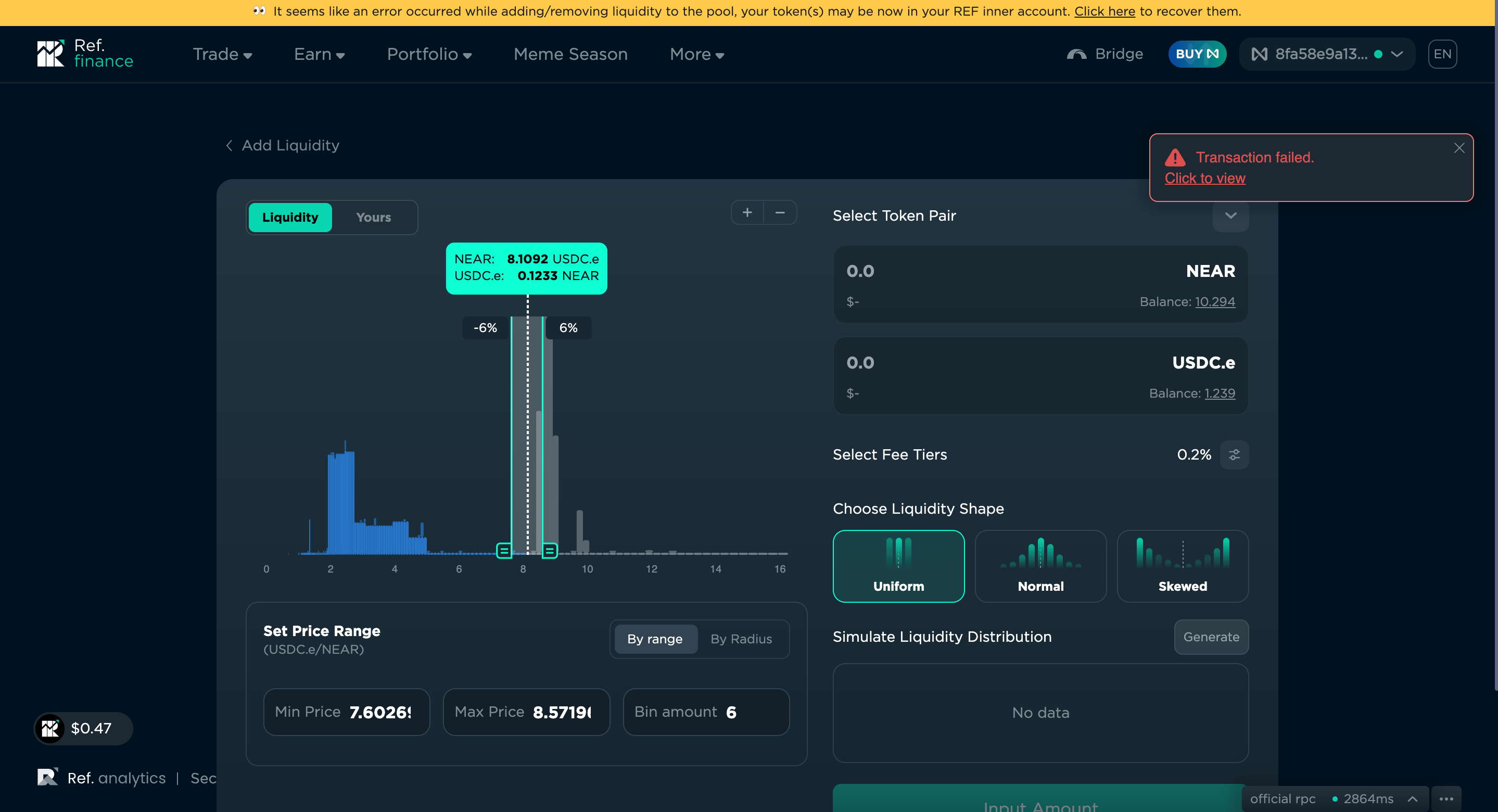
Transaction Failure message
Every time you use the Ref Finance app, you will notice that it throws an error message, “transaction failed”; however, this does not mean your transaction failed. For checking the finality of the transaction, please refer to the transaction table in PrimeVault and block explorers on Near The reason you see the failed transaction is that PrimeVault has disallowed Ref Finance full access to your vault to enhance security:- The DApp cannot act on your behalf
- Organisation policies are applied to your DApp interaction, which prevents a single point of failure
Slower Speeds (Near RPC Provider)
Sometimes you may notice that transactions take longer than expected. This is because the RPC provider used by the DApp takes 1000+ms to act on a transaction. In case you’re experiencing slower than usual speeds, please look at the bottom right corner of the Ref finance app to see what speed the RPC provider is operating at and wait for the transaction to go through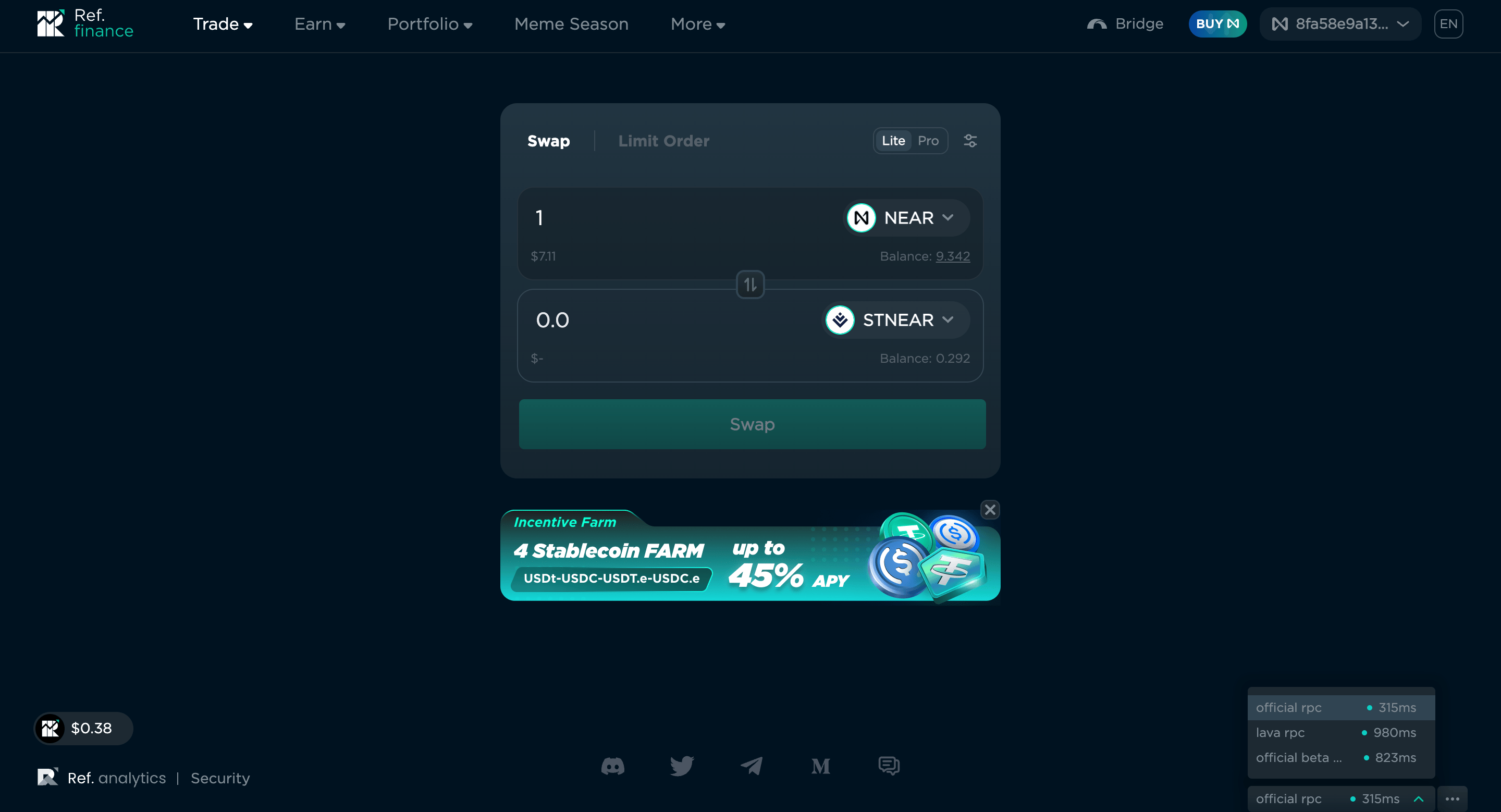
Limit Orders on Ref Finance
Success notification when placing a limit order on Ref Finance means that the quote for the price has been entered on the blockchain - it does not mean that the limit order has been executed. Please check the Ref Finance dashboard for the finality of transaction executionTracking DeFi positions
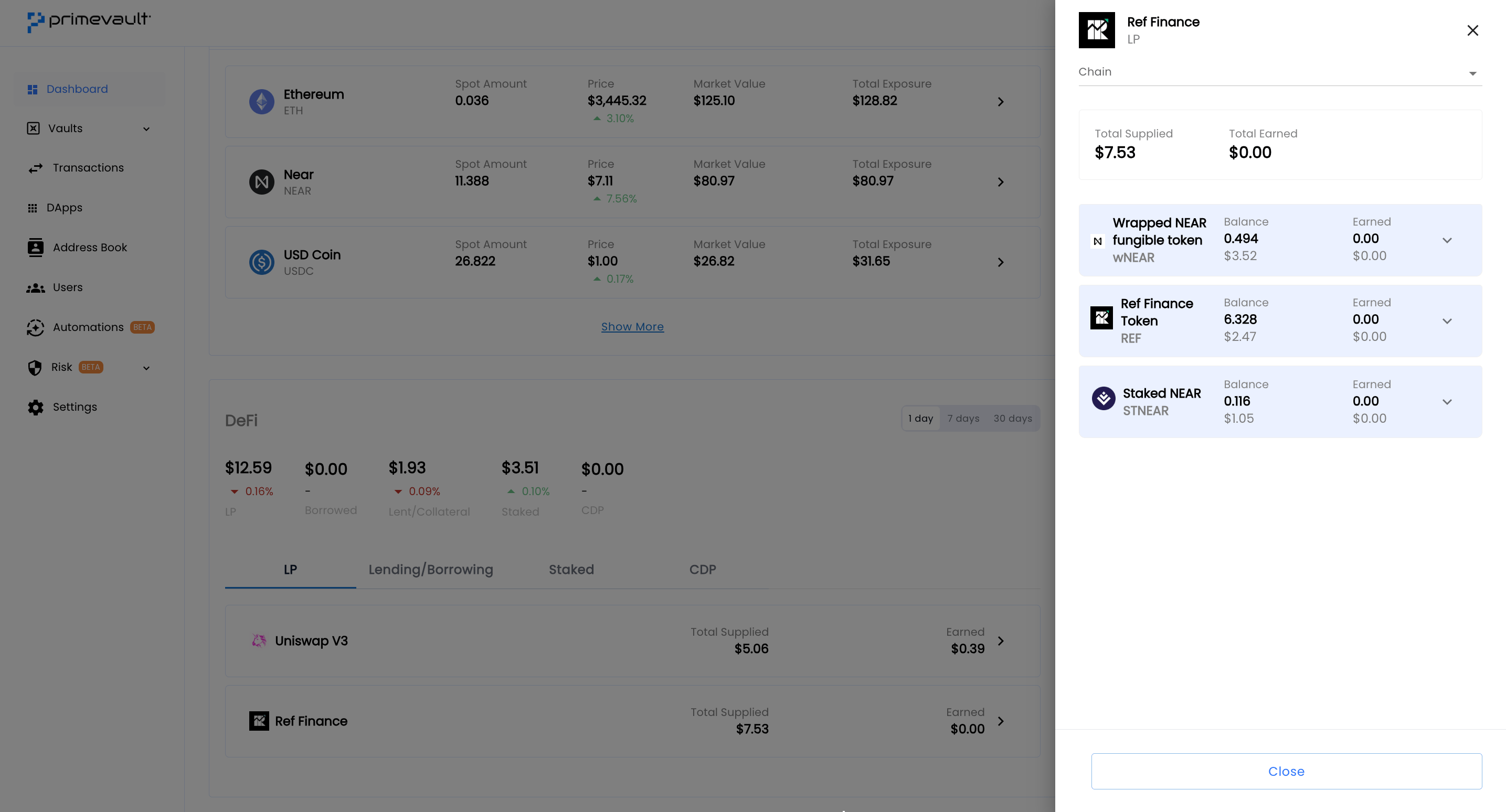
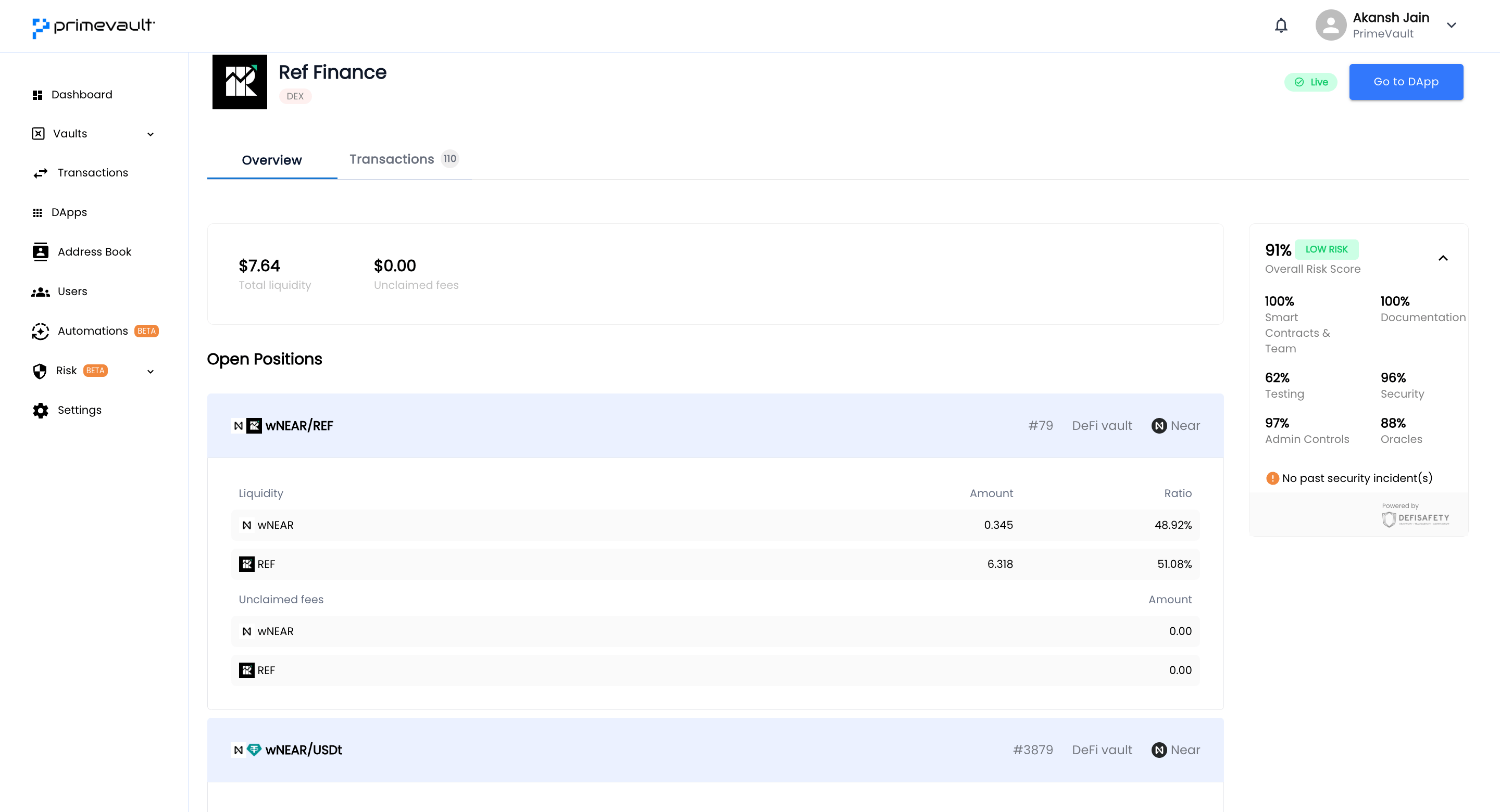
Track your position on Ref Finance’s portfolio page using the tabs - Overview and Ref Finance. You can track your positions on PrimeVault’s dashboard page or DApp page as well (however, DCL positions and price of xRef cannot be tracked currently)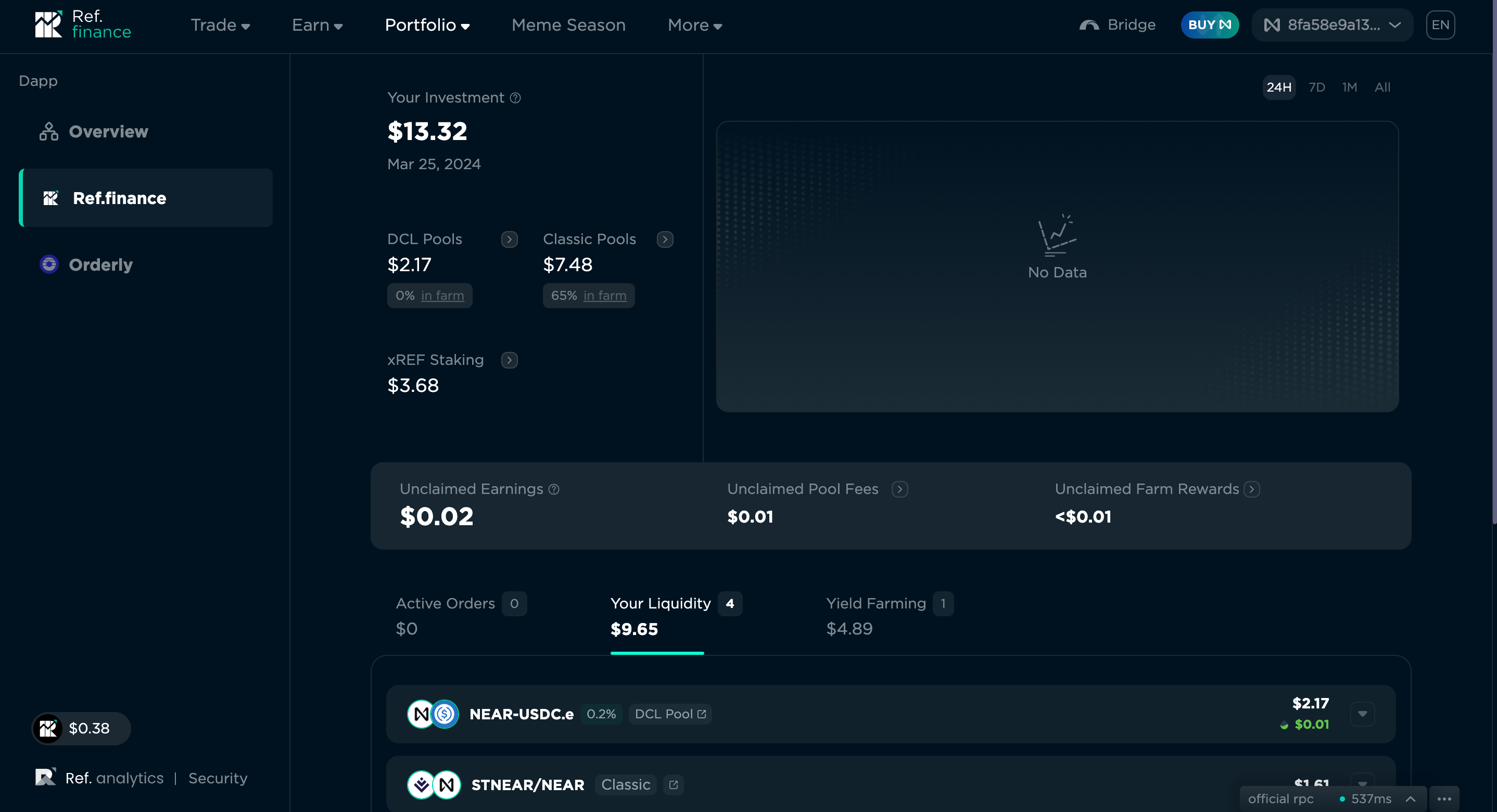
Troubleshooting the DApp
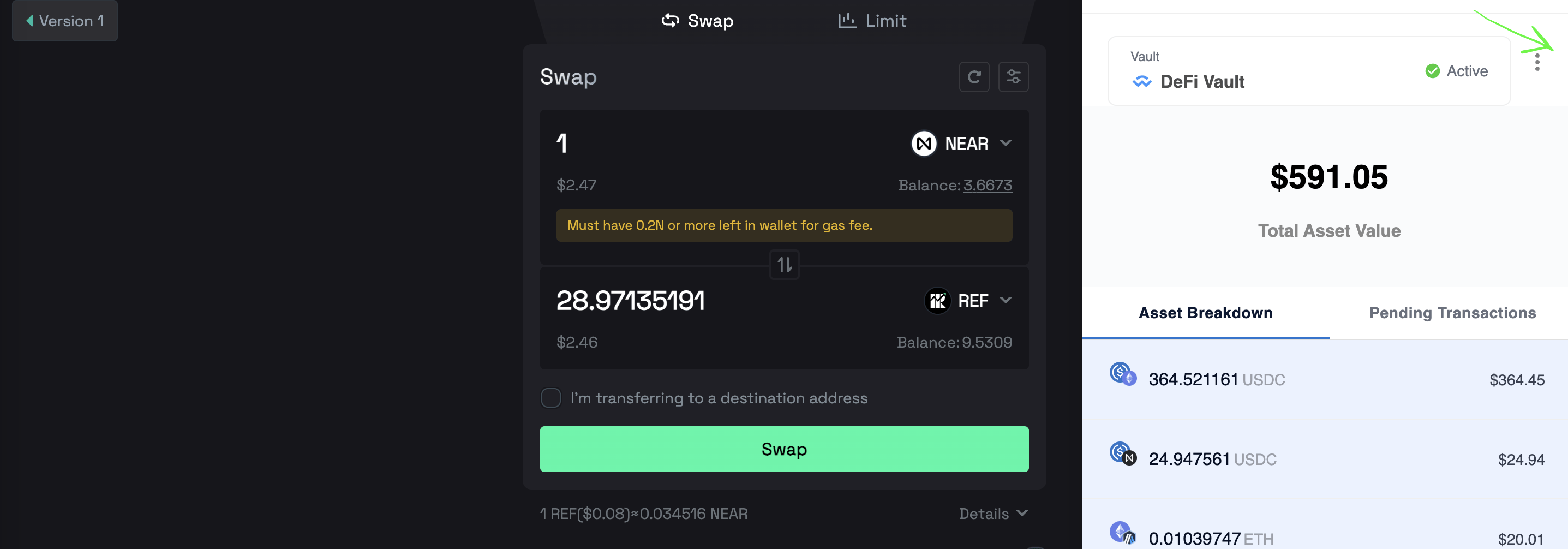
In case you face issues while using the DApp- Logout from the extension. Top right on extension (refer to the first screenshot)
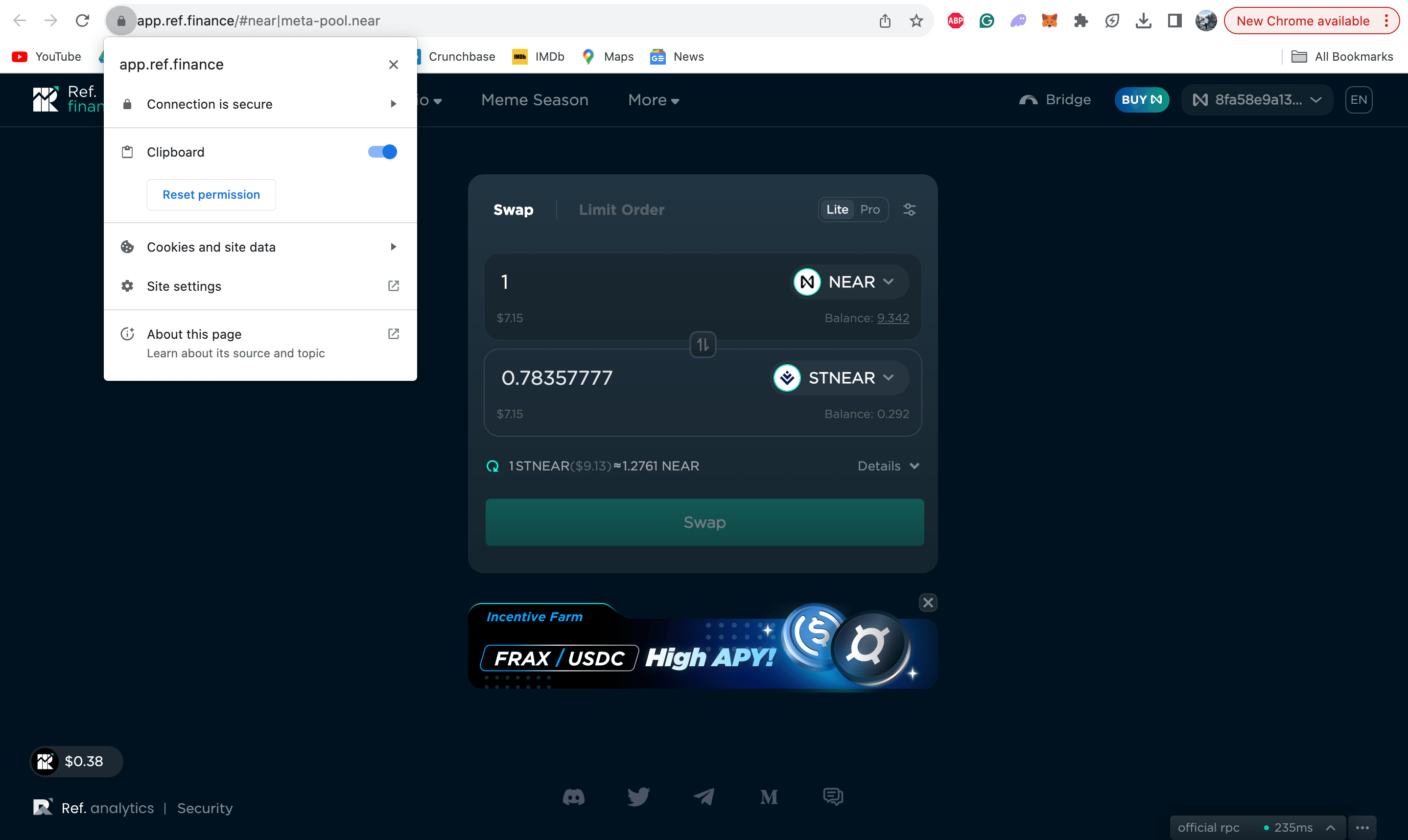
- Clear the cookies for DApp (refer to the second screenshot)
- Login and retry